 RayMate
Ask anything.
Any model, with your selection attached.
Works with the models you already use
Every day
Any model, with your selection attached.
Hold a key and talk. On-device, 25 languages.
Select, press the shortcut, review the change.
Extensions
Turn on what you need. Most get their own shortcut.
One app instead of a dozen
App names and icons belong to their owners. RayMate is not affiliated with any of them, and covers the everyday uses of each, not every feature.
Applets New
Say what you want in plain words. It writes the script, tests it and adds it to the launcher.
App Uninstaller New
Finds the caches and settings an app leaves behind. You choose what goes.
App Switcher, Edge Slides and Trackpad Gestures
Every gesture is yours to assign: App Switcher, brightness, volume, RayMate, or any action you choose.
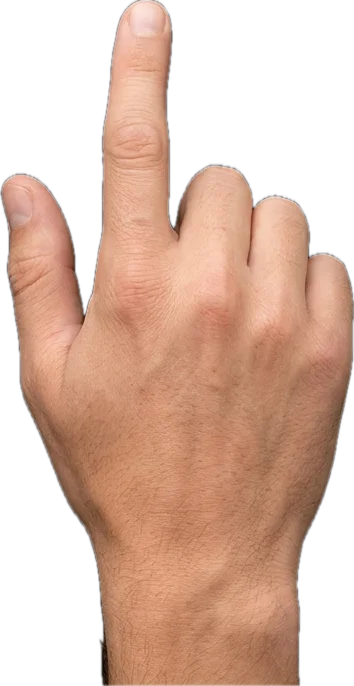
Run one finger up the left edge to change the brightness.
Run one finger up the right edge to change the volume.
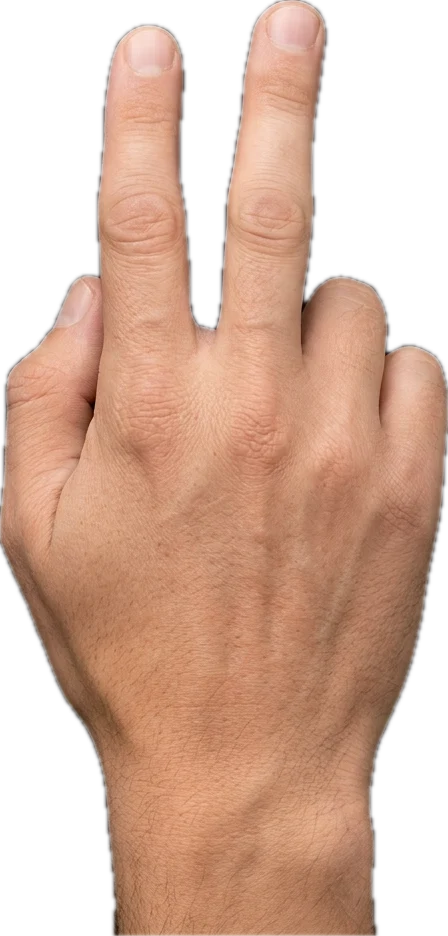
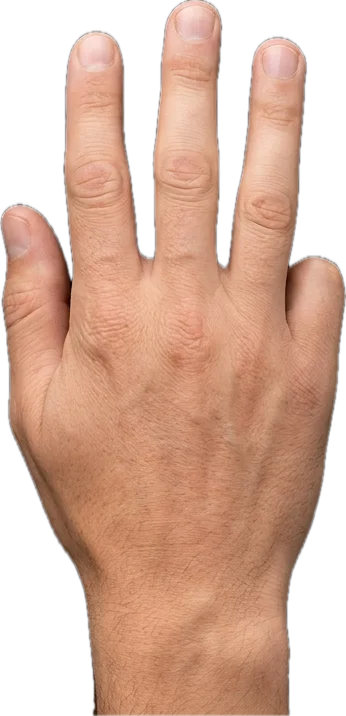
Slide three fingers to pick a window in the App Switcher, lift to switch.
Tap the bottom-right corner to open RayMate.
You can change every gesture, edge and corner, or turn any of them off, in RayMate’s settings.
Desk photo by Oakywood. Backgrounds by MagicPattern, Kunal Patil and Codioful on Unsplash.
Titlebar Actions
Put the pointer on any window’s titlebar and swipe with two fingers to snap it to a half, a quarter or the whole screen. Pinch to close. Every gesture can run any action you choose.
Snap the window to the left or right half.
Fill the screen. Swipe down to minimize.
Snap the window to a quarter of the screen.
Close the window. Pinch out for full screen.
Every titlebar gesture can run a different action, or be turned off, in RayMate’s settings.
Widgets New
Just the result, pinned on top and kept up to date.
Prompts
Ten to start. Edit them, write your own, give any a hotkey.
Free and private
$0
Questions
Yes. The whole app, with no trial, no tiers and no account.
OpenAI, Anthropic, Google Gemini and Groq with your own key, or local models through Ollama.
No. Nothing is collected, and your history stays on your Mac.
No. Dictation can run on-device, in 25 languages.
Yes. Install extensions from the Raycast Store and run their commands from RayMate.
macOS 12 or later, on Apple Silicon and Intel.
Not yet. Windows is coming soon.
One download, nothing to sign up for. It updates when you say so.
brew install --cask AA1labs/tap/raymate
Free. No account, no trial. Windows is coming soon.


 SafariApplication